PROJECT BLACKOUT

Sublevel 4  ·  all channels silent

PROJECT BLACKOUT

Some signals should never be found.

Co-op survival horror1–8 playersIn development

01  /  The game

The building is still running.
The people aren't answering.

PROJECT BLACKOUT is a first-person cooperative survival horror game set inside an abandoned underground research facility, after a catastrophic incident.

Players explore the facility, uncover what happened, complete dangerous objectives, survive the creatures inside — and find a way out. It is designed from the ground up for cooperative play with 1–8 players.

Genre
Cooperative survival horror
Players
1–8, online
Setting
A sealed research facility, four levels underground
Status
In development. Pre-alpha test build for invited testers.
Platforms
Not yet announced
Release
Not yet announced
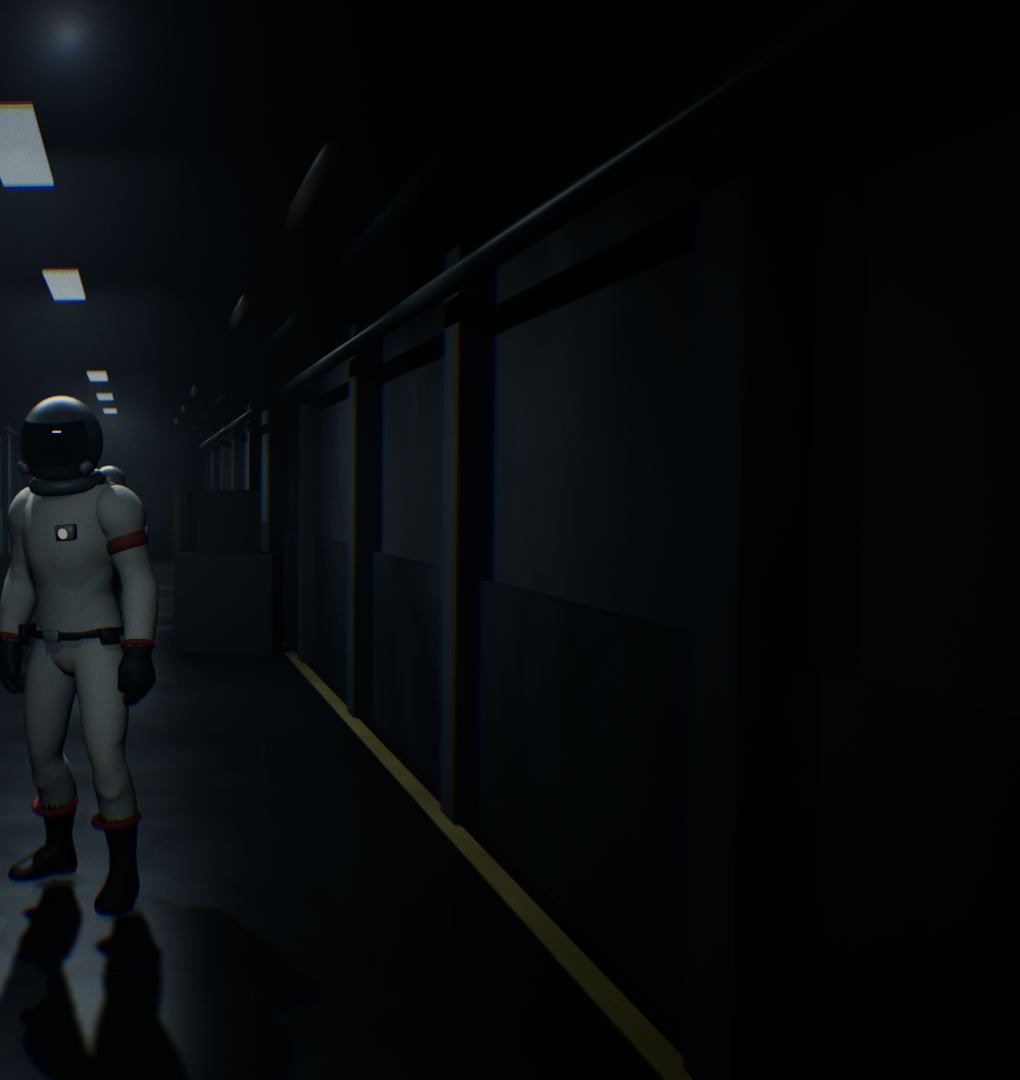
A member of the recovery team in a sealed hazmat suit, standing in a dark service corridor
In-game capture  ·  recovery team, Sublevel 4 corridor

Incident report  IR-4-0312

03:12 — Sublevel 4 stops answering

Restricted

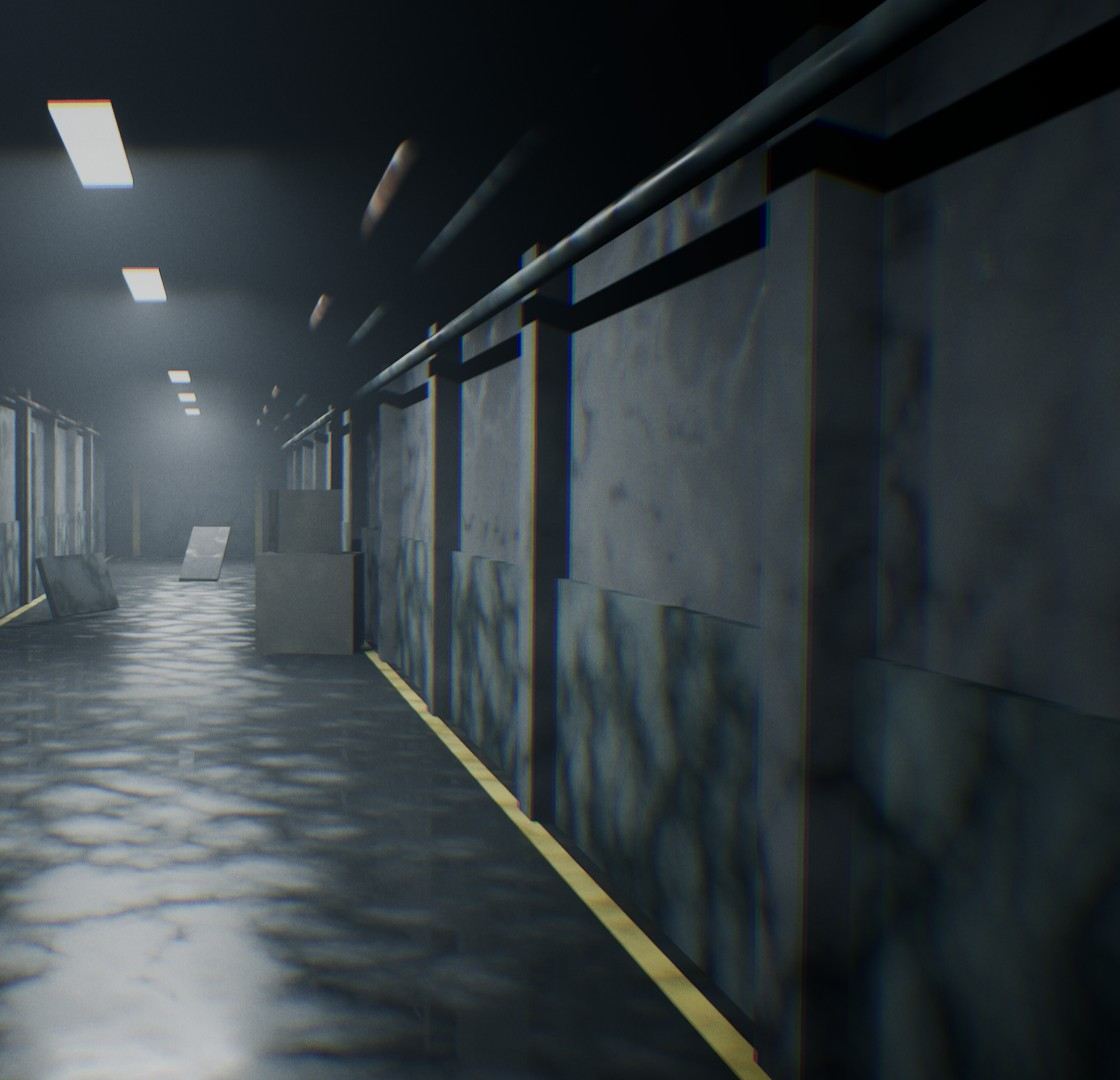
At 03:12 local, all communication with Sublevel 4 ended within the same second: radio, intercom, badge readers and the duty phone. Primary power dropped to emergency circuits. Ventilation, pumps and the containment freezers kept running.

Eleven staff were logged on the level. None have come up. The last badge swipe was at 03:09, at door 4C. Security footage shows the corridor lights failing in sequence toward the cameras. The final frame from camera 4-07 is not empty.

Recovery team: no more than four. Stay in radio contact. Do not restore primary power until the cause is understood. Do not open 4C. Lighting is unreliable — bring your own.


02  /  Features

Built to be played in the dark, together.

In test buildEarly prototypePlanned

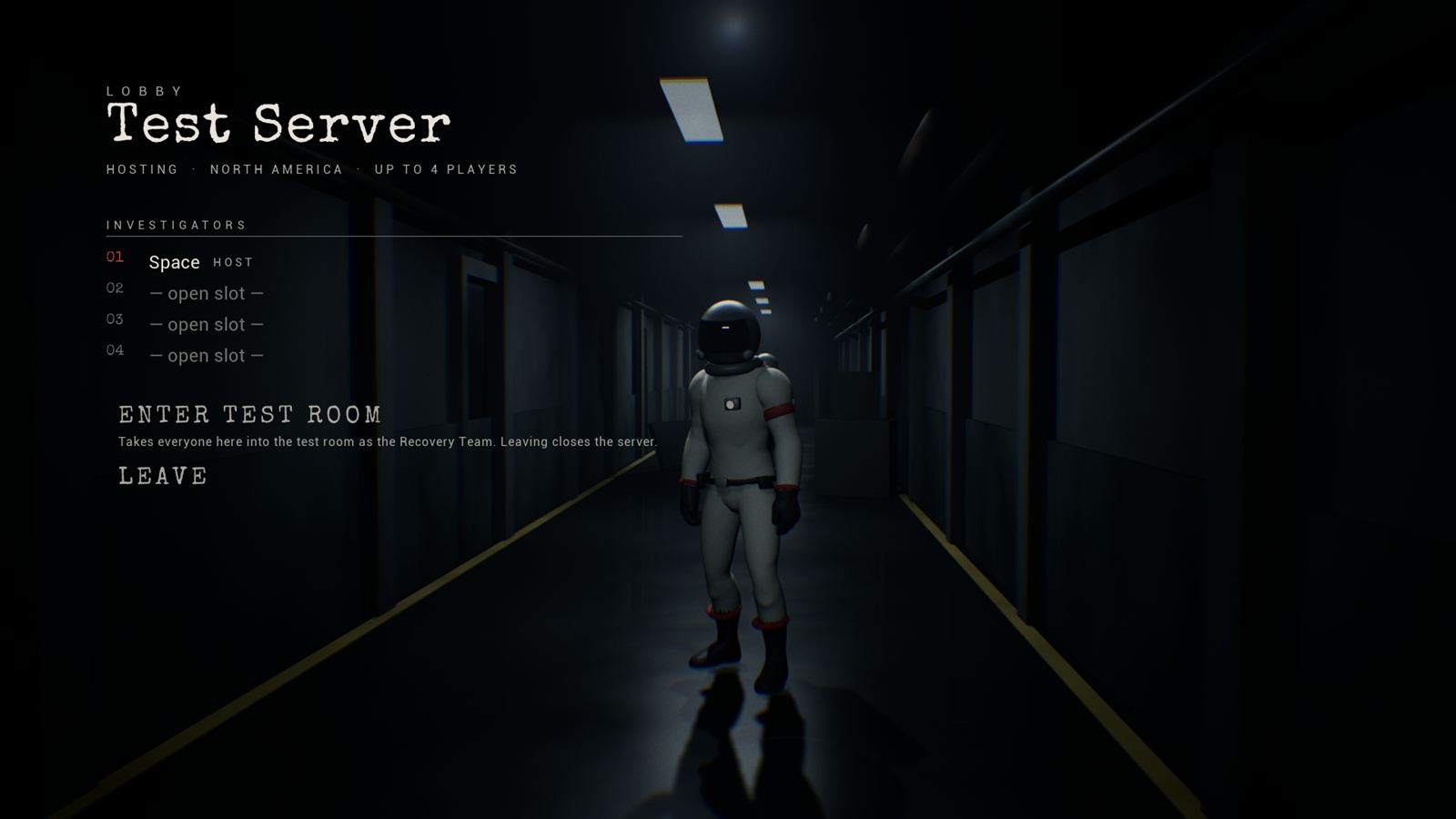
The lobby: four investigator slots, ENTER TEST ROOM, and the host's character standing in the corridor
In test build

Cooperative multiplayer

Host or join a team of up to four through Steam. The host takes everyone from the lobby into the facility together. Every system is being designed around a full team — and around losing members of it.

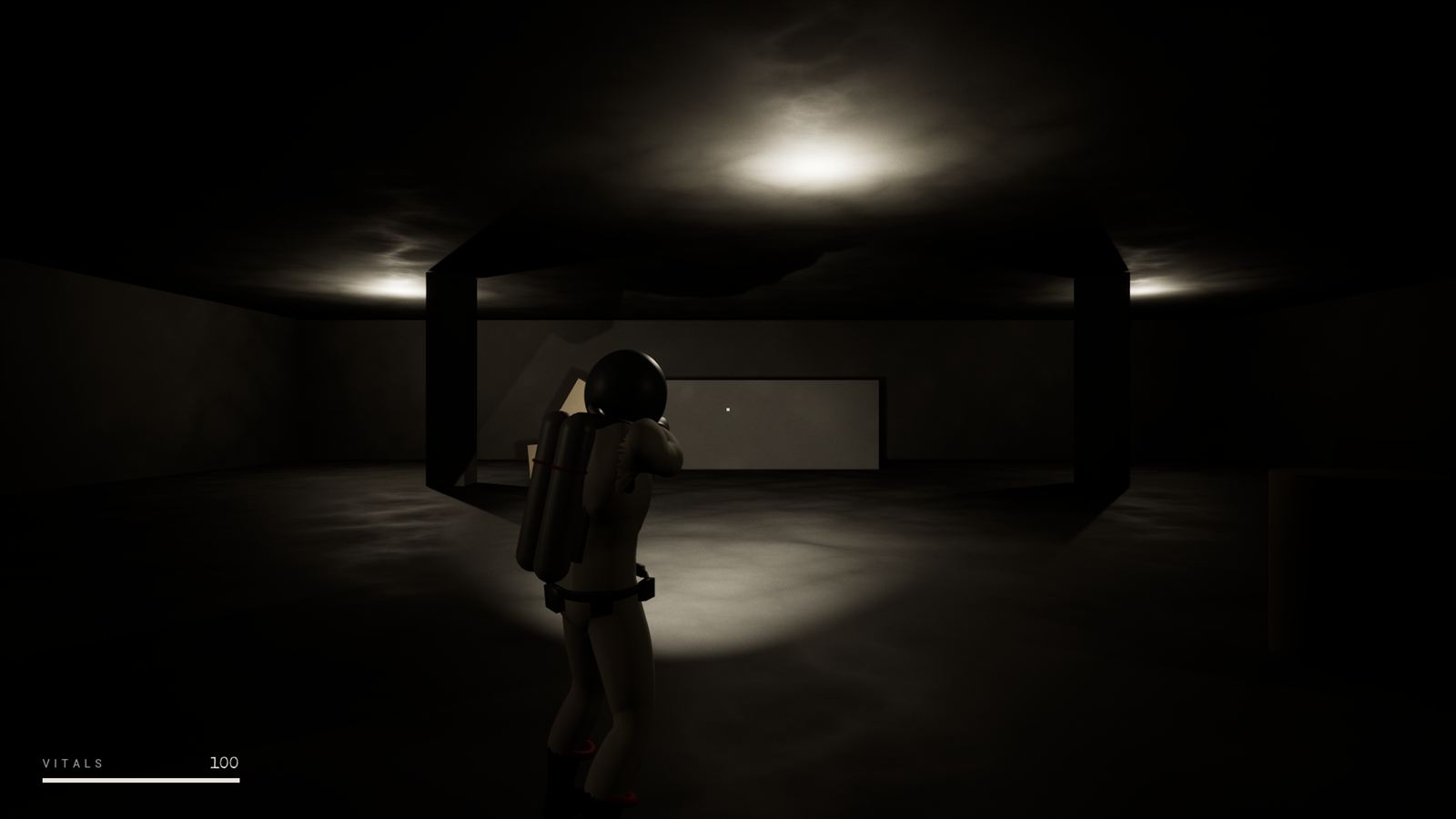
A recovery team member aiming a pistol in a dim concrete test room, chest lamp lighting the floor
Early prototype

Power failures and darkness

The lighting grid is failing. Tubes flicker, die and sometimes come back. Your chest lamp is often the only light you have.

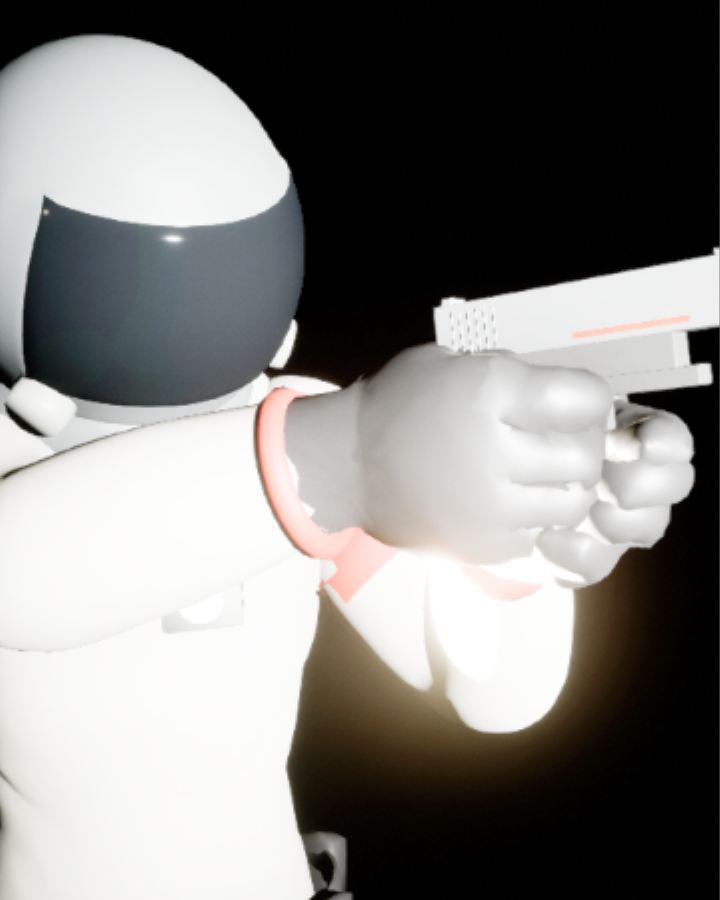
Close view of a recovery team member holding a pistol two-handed
Early prototype

Equipment and survival tools

An inventory, a chest lamp and a range pistol already exist in the test room. The equipment the team actually carries into the facility is still being designed.

A long service corridor lit by fluorescent tubes, debris on the wet floor
Planned

Exploration and environmental storytelling

What happened on Sublevel 4 is told through the place itself: logs, abandoned rooms, the order the doors were opened in.

Planned

Terrifying creature encounters

Something is still down there. It has not been revealed — and won't be until it is ready.

Planned

Proximity voice communication

Hear your team when they are near. Lose them when they are not.

Planned

Randomized objectives

Different tasks and routes each descent, so no run plays out the same way.

Planned

Psychological horror

Unpredictable events that make the team doubt what they just saw — and each other.

03  /  Media

From the test build.

Every screenshot here is captured from the current build, unedited apart from cropping. Nothing is concept art passed off as gameplay.

04  /  Development

Field logs.

What changed in each test build, newest first. Testers' launchers install these automatically.

The Recovery Team

CharacterGameplayAudio

  • You are now a member of the Recovery Team: sealed suit, helmet, air tanks, chest lamp.
  • The host can take the whole lobby into the test room with ENTER TEST ROOM.
  • Third-person movement with weight: jog by default, Shift to sprint, the body turns into the direction you move. V switches to first person.
  • Test-room only: a range pistol. Left mouse fires, right mouse aims. Hits cost vitals; at zero you go down and come back a few seconds later.
  • New animations: walking, jogging and strafing with the pistol, recoil when firing.
  • Tab opens your inventory: a live view of your investigator and pictures of what you carry. F toggles the chest lamp.
  • Your squad now stands in the corridor behind the lobby screen.

The mark

Visual

  • The O in the title is now the BLACKOUT mark: a dead ring tube with one red segment still lit.
  • The game has its own icon.

Hosting crash fixed

FixLauncher

  • Creating a server no longer closes the game when the lobby loads.
  • The launcher has the new BLACKOUT mark in its title and its own icon.

Servers, settings and the lobby

OnlineMenuAudioFix

  • PLAY opens the server browser: real Steam lobbies, region and full/locked filters, refresh, join.
  • Create a server with a name, region, 1–8 players, friends-only option and an optional password.
  • New lobby: see who's connected, leave at any time. Joining through the Steam friends list works.
  • Settings: master, music and effects volume, mouse sensitivity, resolution, display mode, graphics quality, VSync. Saved between launches.
  • Menu music, used with the composer's permission.
  • The corridor behind the menu was missing in downloaded builds. It's back.

First tester build

LauncherMenu

  • The BLACKOUT launcher: installs the game, keeps it updated, checks every file.
  • Opening sequence: the lights strike on one by one down the Sublevel 4 corridor, then the title.
  • Main menu, credits, quit. Steam connection.

Test build  /  invited testers

Go down with the first team.

The pre-alpha runs on Windows through the BLACKOUT launcher. Download it once; every time you open it, it fetches the newest build and checks every file before the game runs.

Download launcher Windows

Latest build …

  1. Run the launcher. Windows may say "Windows protected your PC" — the launcher isn't code-signed yet. Click More info, then Run anyway.
  2. Let it install. The game goes into %LocalAppData%\PROJECT BLACKOUT. No admin rights needed.
  3. Open Steam. Steam has to be running and signed in. Each player needs their own Steam account.
  4. Play together. One of you: PLAY → CREATE SERVER. Everyone else: PLAY → REFRESH → JOIN, or join from the Steam friends list. The host presses ENTER TEST ROOM.
Minimum, as tested
SystemWindows 10 or 11, 64-bit
GraphicsDirectX 12 capable GPU
Memory8 GB RAM (what it has been tested on so far)
DiskAbout 1.5 GB free
OnlineSteam, running and signed in

05  /  FAQ

Questions.

What is PROJECT BLACKOUT?

A first-person cooperative survival horror game set in an abandoned underground research facility after a catastrophic incident. You explore, uncover what happened, complete dangerous objectives, survive the creatures inside and find a way out. It is in development.

How many players can play?

1 to 8 players.

Is the game multiplayer?

Yes — it is built for online co-op. The current test build already supports hosting and joining through Steam with up to eight players.

What genre is the game?

Cooperative survival horror, with a focus on darkness, exploration and psychological tension.

What platforms are planned?

Not yet announced. The current pre-alpha test build runs on Windows PCs through the BLACKOUT launcher.

When will the game release?

A release date has not been announced. Progress is posted in the field logs.

Test build help

I can't see my friend's server

Press REFRESH a couple of times. Make sure you're both on the same build (it's shown at the bottom of the launcher), both have Steam open, and the server isn't friends-only — or join through the Steam friends list instead.

Ping shows a dash

Steam often doesn't report ping for lobbies. A dash means unknown, not bad.

Steam says I'm playing "Spacewar"

The test build uses Valve's shared development app ID until the game has its own Steam page. It's expected.

The launcher says the first build isn't published

Leave it open. It checks again every minute and installs as soon as a build is up.

The game closed or crashed

Send the log to the developer: paste %LocalAppData%\PROJECT BLACKOUT\Game\Blackout\Saved\Logs into the File Explorer address bar and send Blackout.log.